


Solomon XGuard · mobile human in the loop · iOS and Android
Your AI agents hold real keys. Make them ask first.
The newest insiders are the coding, ops, team and personal agents your employees run every day. Solomon XGuard holds their critical actions until a person approves on a phone, with Face ID or a fingerprint and a key that never leaves the device’s secure hardware.
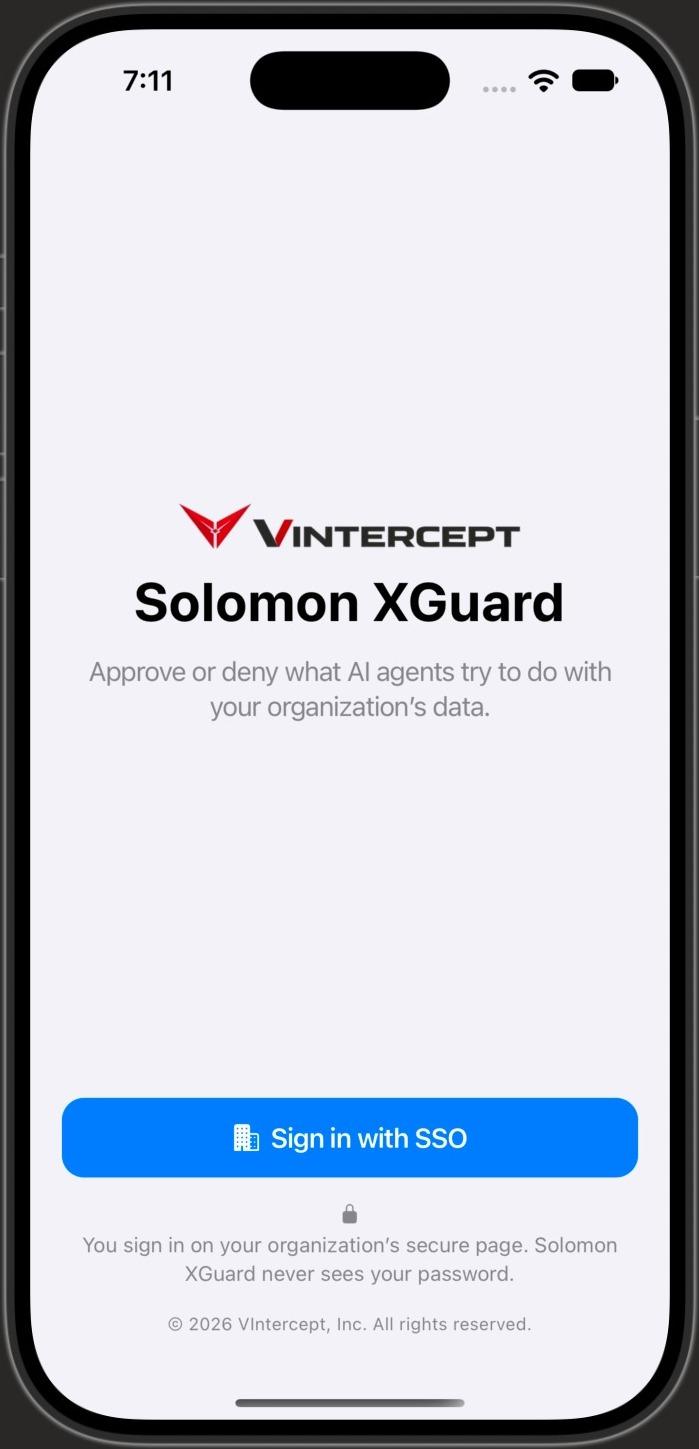
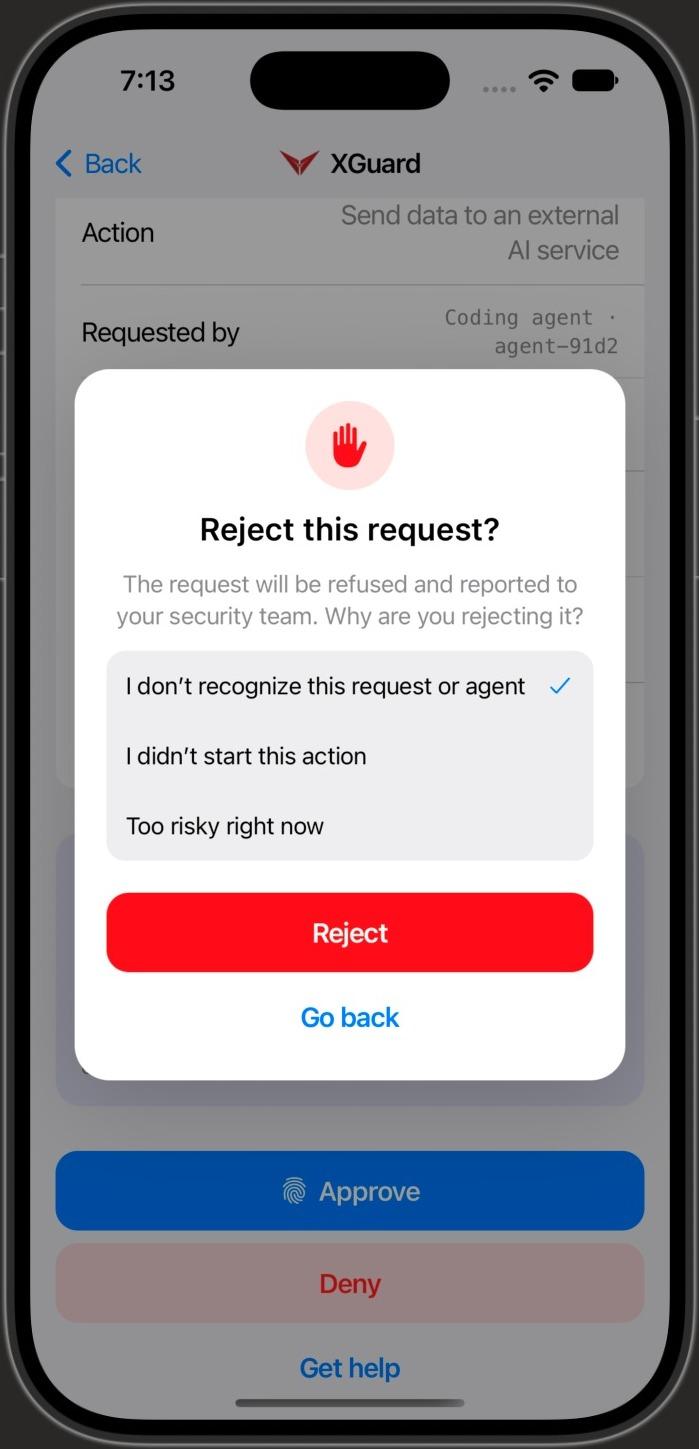
Illustration of an approval request.
Insider risk, DLP and AI security
The insider is now an agent.
AI agents act with the credentials of the person who started them: git tokens, cloud keys, kubeconfigs, mailboxes. One bad prompt, a poisoned dependency or a hijacked session, and an agent can push to production, delete a namespace or send data outside the company in seconds.
XGuard turns those moments into a decision a named person makes, signs and can be held to. Everything else the agent does keeps running.
Coding agents
Claude Code, Codex, Cursor
holds Git tokens, cloud keys, kubeconfig
wants git push --force to main
→ held for a human signatureOps agents
deploy and on-call bots
holds Kubernetes and cloud admin roles
wants kubectl delete namespace
→ held for a human signatureTeam agents
Slack and ticketing bots
holds Workspace and SaaS API tokens
wants export the customer table
→ held for a human signaturePersonal agents
email and document assistants
holds Mailbox and drive access
wants send files to an outside address
→ held for a human signature
Capabilities
A human signature on every critical AI action.
Approvals that cannot be faked, replayed or rubber-stamped from a notification.
Biometric, hardware-backed
- Each approver key is created in the Secure Enclave (iPhone) or StrongBox (Android) and never leaves it
- Face ID or fingerprint for every signature: no passcode fallback, no reuse window
- Approvals are never accepted from a bearer token, a PIN or a notification button
What you see is what you sign
- The request shows the agent, the host, the exact command or tool call and its target
- DLP findings and a justification check sit next to the risk tier
- The app re-checks the screen against a hash and refuses to sign if they differ
Single-use, bound grants
- Every decision answers a single-use challenge issued for you and that decision
- Your approval becomes a signed grant bound to one tenant, host, agent and action, with an expiry
- The Solomon eBPF Client verifies the grant and rejects replays before the action runs
Deny, and pause the agent
- One tap denies the action; “Deny and pause agent” also stops the agent
- A request that expires is denied: nothing can be signed after the deadline
- Offline or unknown state blocks the action instead of guessing
Built for teams
- Tenant policy can require a second approver for critical actions
- Unanswered critical requests escalate to the next approver
- Every decision lands in a per-person audit log
Your IdP, your phones
- Employees sign in with your own Okta, Entra ID, PingOne or Auth0
- Find the organization from a work email, a QR invite or MDM managed configuration
- Phones enroll automatically after an MFA sign-in; admins can review and remove them
Policy you can count on
- Every approval1
- single-use grant
- approvers for host isolation, IOC pushes and fleet containment2
- 2
- before an unanswered critical request escalates3
- 10 min
- maximum approver session from your IdP sign-in4
- 12 h
- 1Each approval is a non-replayable grant bound to one action, host, time window and human signature.
- 2Owner decision D4, two-approver quorum (Solomon_MobileApp docs/HITL_MOBILE_STATUS.md §1, item 3).
- 3Owner decision D6, 10-minute escalation to the next approver (Solomon_MobileApp docs/HITL_MOBILE_STATUS.md §1, item 3).
- 4Each profile lasts at most 12 hours from its IdP auth_time, enforced in the app and on the Platform (HITL_MOBILE_STATUS.md H5.3, P-05).
How it works
Held on the host, decided on your phone.
The Solomon eBPF Client recognizes AI agents on your Linux hosts and holds the actions your policy marks as critical. The Platform sends the request to the people allowed to decide it.
On the phone, the app checks that what it shows is exactly what it will sign. Your decision is signed in hardware, turned into a grant for that one action on that one host, and verified by the Client before anything runs.
Employees can also register their own agents from the app by confirming the agent’s code, signed with the same key.
- 1
AI agent
Tries a critical action: a command, a tool call, a deploy.
- 2
Solomon eBPF Client
Holds it on the host and asks the Platform for a human decision.
- 3
Your phone
Shows what the agent wants, on which host, and why.
- 4
You
Approve with Face ID or fingerprint, or deny and pause the agent.
- 5
Solomon Platform
Checks the signature, the device and the quorum, then signs a grant.
- 6
Solomon eBPF Client
Verifies the grant for this action and host. The action runs once.
Identity
Works with the IdP you already run.
Your admins connect XGuard to your own identity provider in the VIntercept portal. A guided wizard walks through the app registration, verifies it and runs a test sign-in before you switch it on.
Solomon never writes to your IdP. Who may approve stays where it already lives: in your IdP’s app assignments and your Solomon tenant policy.
 Okta
Okta Microsoft Entra ID
 PingOne
 Auth0
Auth0
- 1.Create a public “Solomon XGuard” app in your IdP (Authorization Code + PKCE, no secret)
- 2.Verify, then test sign-in from the VIntercept portal
- 3.Save and enable, and publish the _solomon-xguard TXT record for your domain
Availability
On the App Store and Google Play.
One app for iPhone and Android, for every Solomon tenant. Push notifications bring each request to the right approver; the decision still needs Face ID or a fingerprint.
Available
- On the App Store and Google Play
- Push notifications for every request, through APNs and FCM
- Hardware-backed, biometric-gated approvals and denials
- Sign-in through Okta, Entra ID, PingOne or Auth0, set up in the VIntercept portal
- Two-approver rules, escalation and a personal audit log
- SOC remediation approvals on the phone, with number matching from the console
Solomon platform
The rest of the loop
- Kernel actsSolomon eBPF ClientKernel-level EDR and CDR, microsecond containmentExplore
- AI agents thinkSolomon Agentic AI PlatformMulti-tenant SaaS and PaaS with deterministic guardrailsExplore
- Agentic investigationSolomon SOCAgentic SOC: full investigations, with evidenceExplore
- Correlate and remediateSolomon OmniMeshConnect, correlate and remediate across your stackExplore
Let’s stop the swarm, together.
Run Solomon against your own workloads in a guided pilot. We’ll show you the kernel log, the investigation and the approval, on your infrastructure.